
Open Corp Tax Calculations from the period menu. The headline Corp Tax Payable figure at the top recalculates the moment you change anything, and the Sections menu beneath it breaks the computation into focused screens. You won't need every section — work down the list and complete the ones that apply.
General
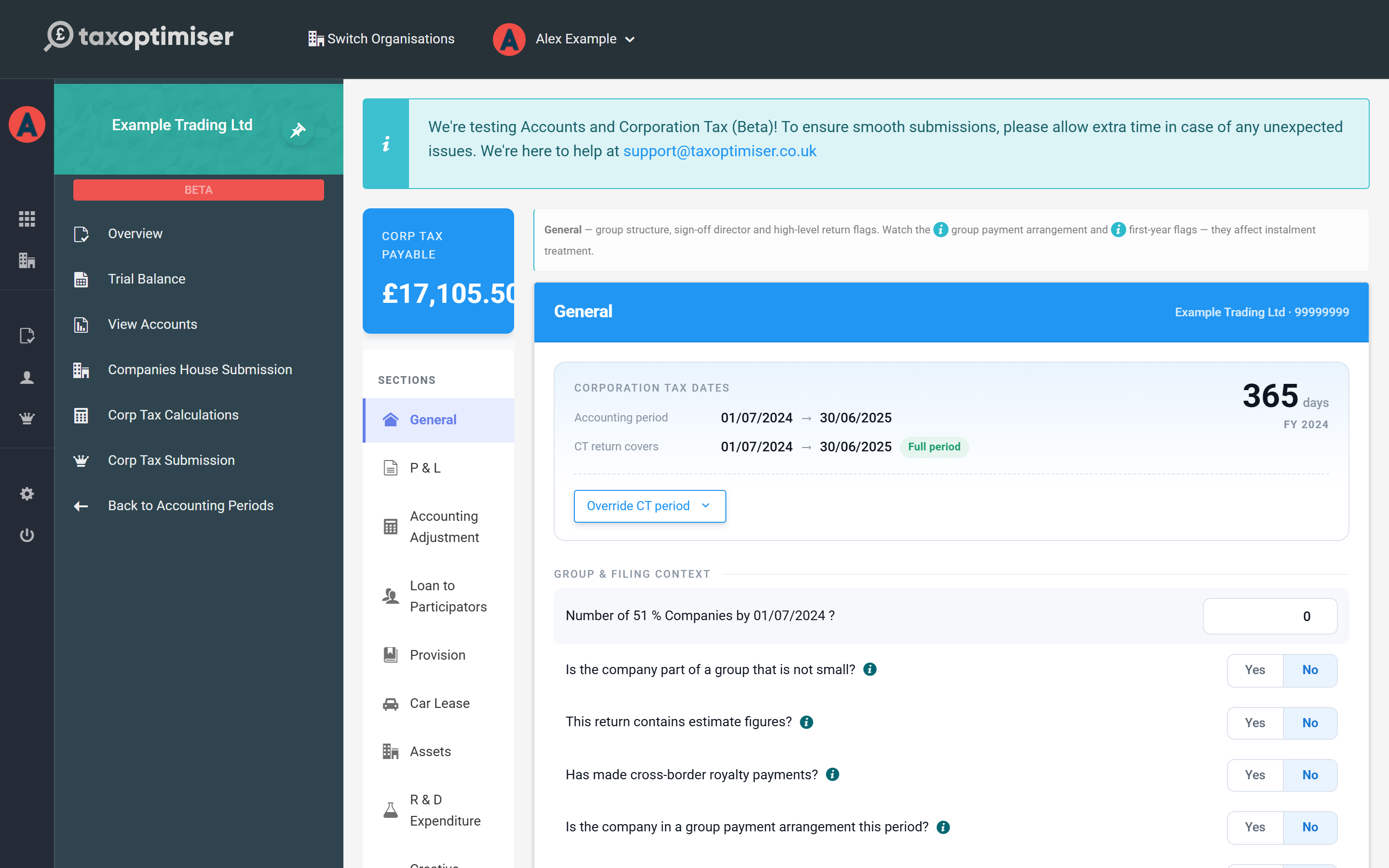
Start here. Check the CT return period matches the accounting period (it's split automatically if your accounts run longer than twelve months), answer the group and filing questions — 51% group companies, estimated figures, group payment arrangements — and choose the director accepting the declaration. The number of associated companies matters: it scales down the marginal relief limits that decide your tax rate.
P & L and disallowables
The P&L section lists your profit and loss accounts straight from the trial balance, each with a Disallowable box. Enter the part of each expense that isn't deductible for Corporation Tax — the classic example is client entertaining, which is disallowed in full. Anything you put here is added back to profit in the computation, with a supporting schedule created automatically.
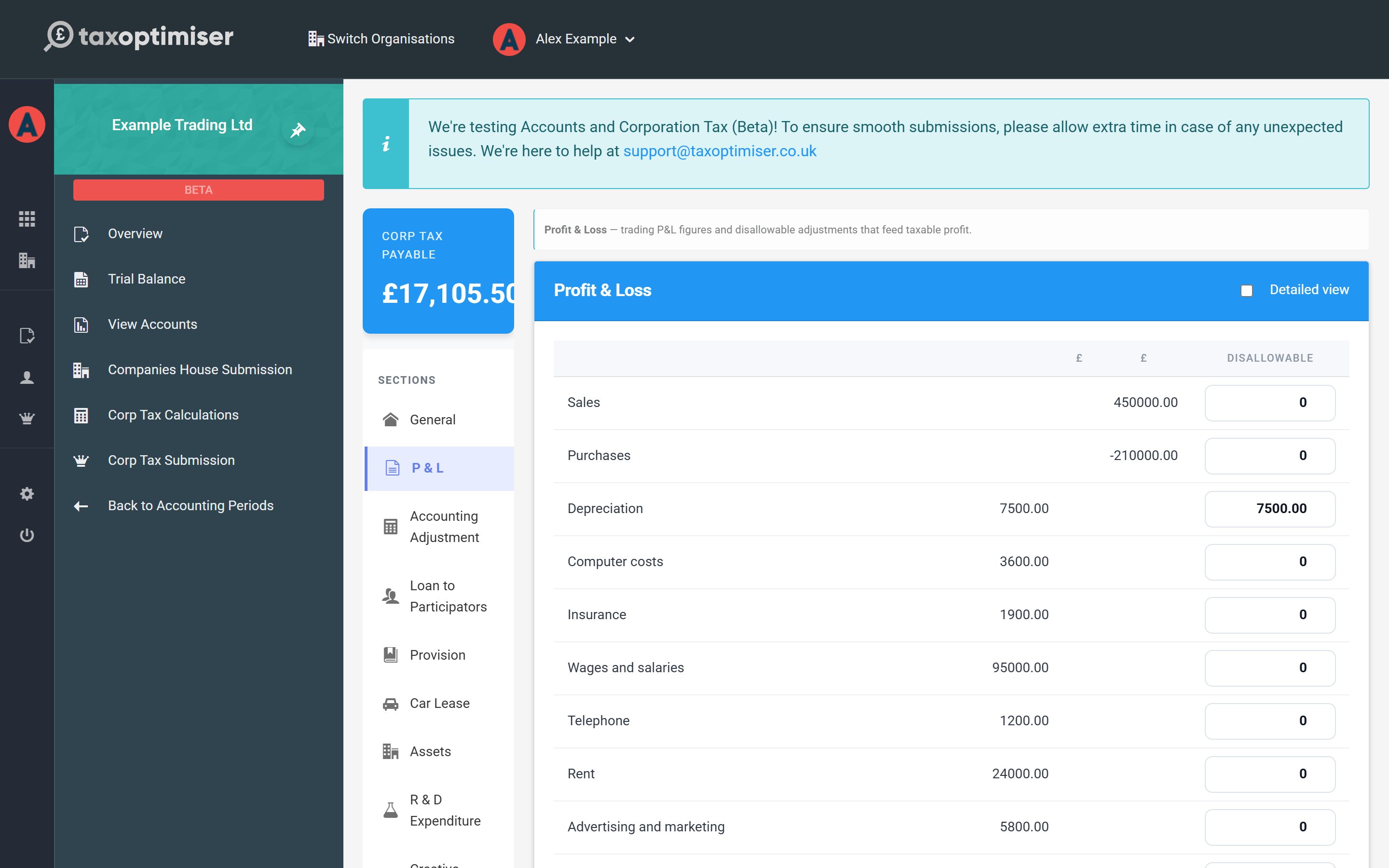
Each line also has a Type dropdown. Leave it at Trade unless the company lets property: rental income and the costs of letting should be set to UK property so they are taxed as a property business (CT600 box 190) rather than in the trade — see UK property income and losses.
Two things you do not need to add back here, because dedicated sections handle them: depreciation pairs with capital allowances (see the next article — though you do disallow the P&L depreciation charge itself), and charitable donations are added back and relieved automatically once entered in the Donations section below.
Accounting adjustments
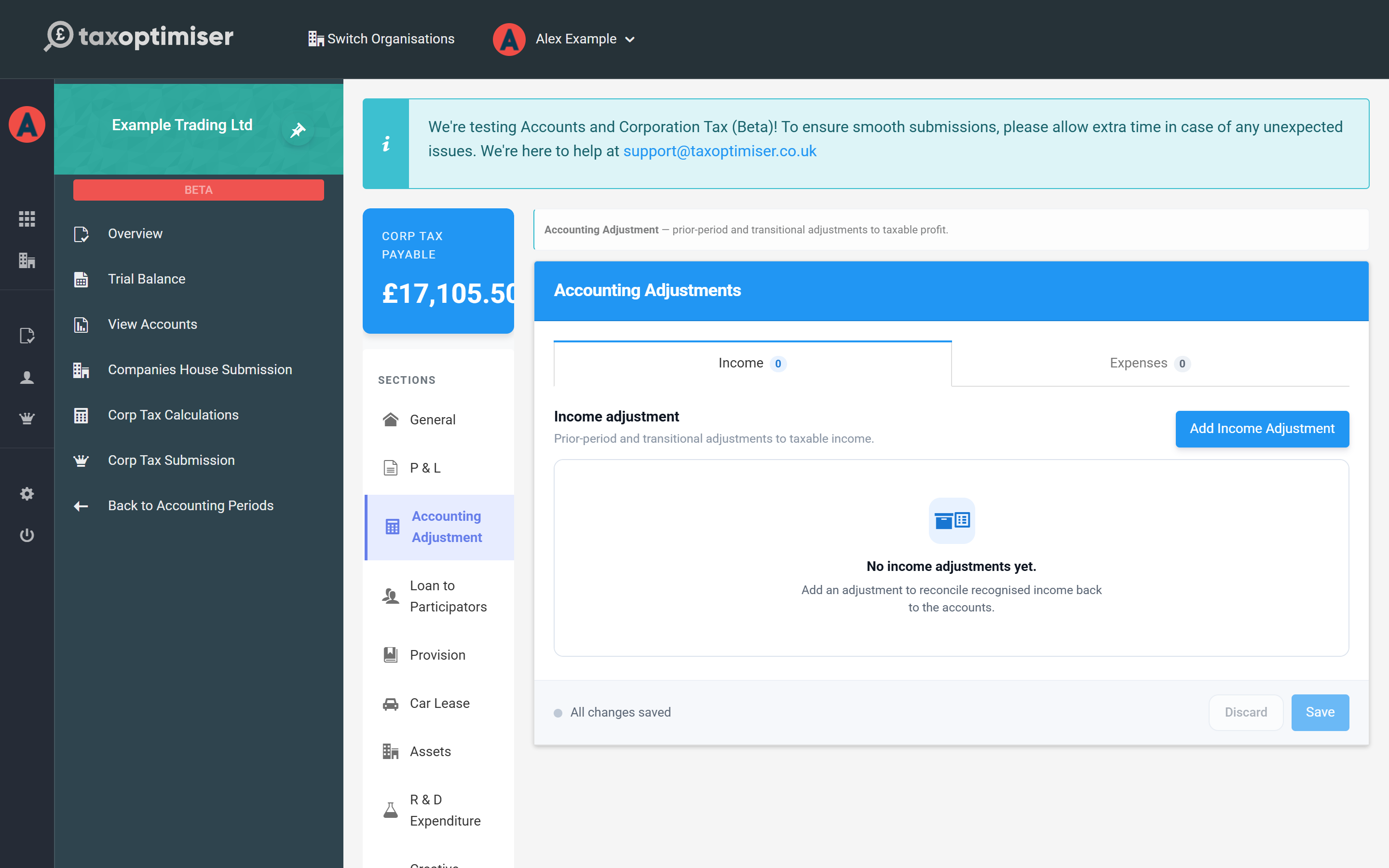
Prior-period and transitional adjustments to taxable profit that aren't simple disallowables — income to recognise back to the accounts, or expense adjustments — live in their own section with separate income and expense tabs.
Donations
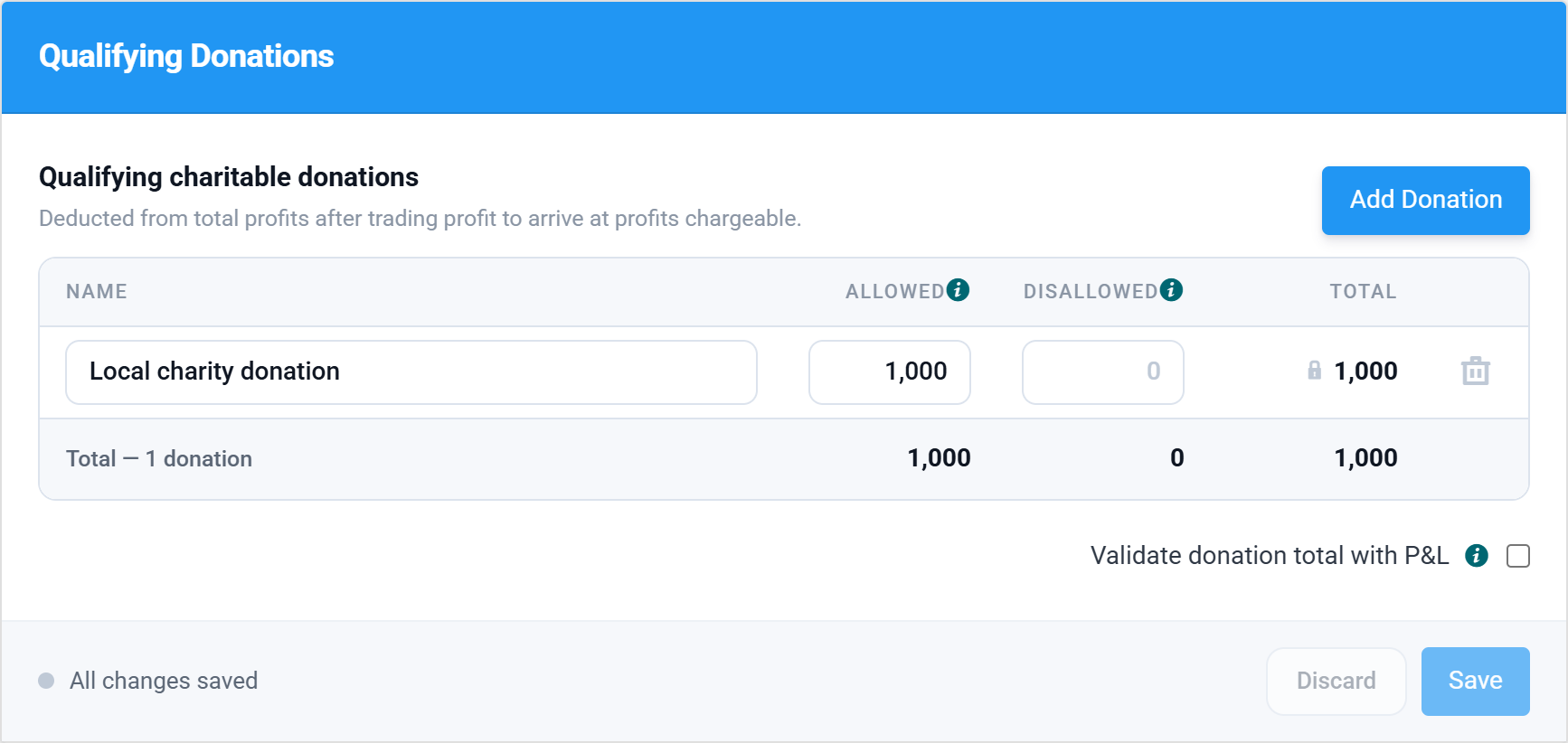
Enter qualifying charitable donations here. They're treated exactly as HMRC expects: added back to trading profit, then deducted from total profits to arrive at profits chargeable. Don't also disallow them in the P&L section — that would double-count the add-back. The validate donation total with P&L option cross-checks the section against your trial balance donations row.
Non-trade income, credits and debits
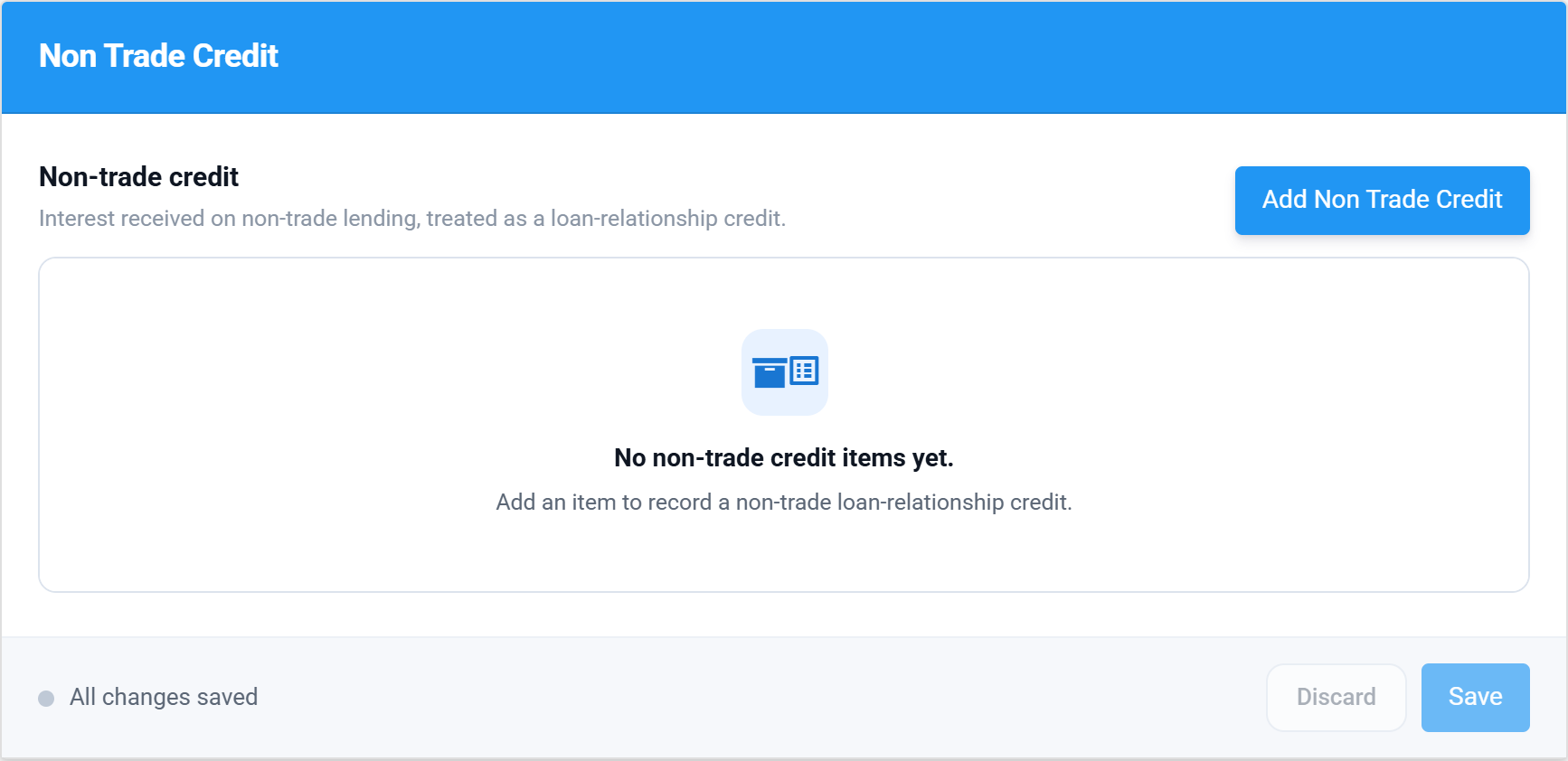
Bank interest receivable from your trial balance is picked up automatically as a non-trading loan relationship credit — taxed, but outside trading profit. The Non Trade Income, Credit and Debit sections let you review what's been routed there and add anything else (for example interest on overpaid tax, or non-trade loan interest payable).
The other sections
The remaining sections follow the same pattern and only need attention when they apply: Loans to Participators (s455 tax on director/shareholder loans), Provisions, Car Lease (the flat-rate disallowance for higher-emission leased cars), R & D Expenditure, Creative Industries, Income Tax Suffered, Investment Income, Losses (covered later in this guide) and Tax Avoidance disclosures.