
The directors listed against the period drive the directors’ report, and one of them signs the balance sheet. Open Directors from the Actions list.
The directors list
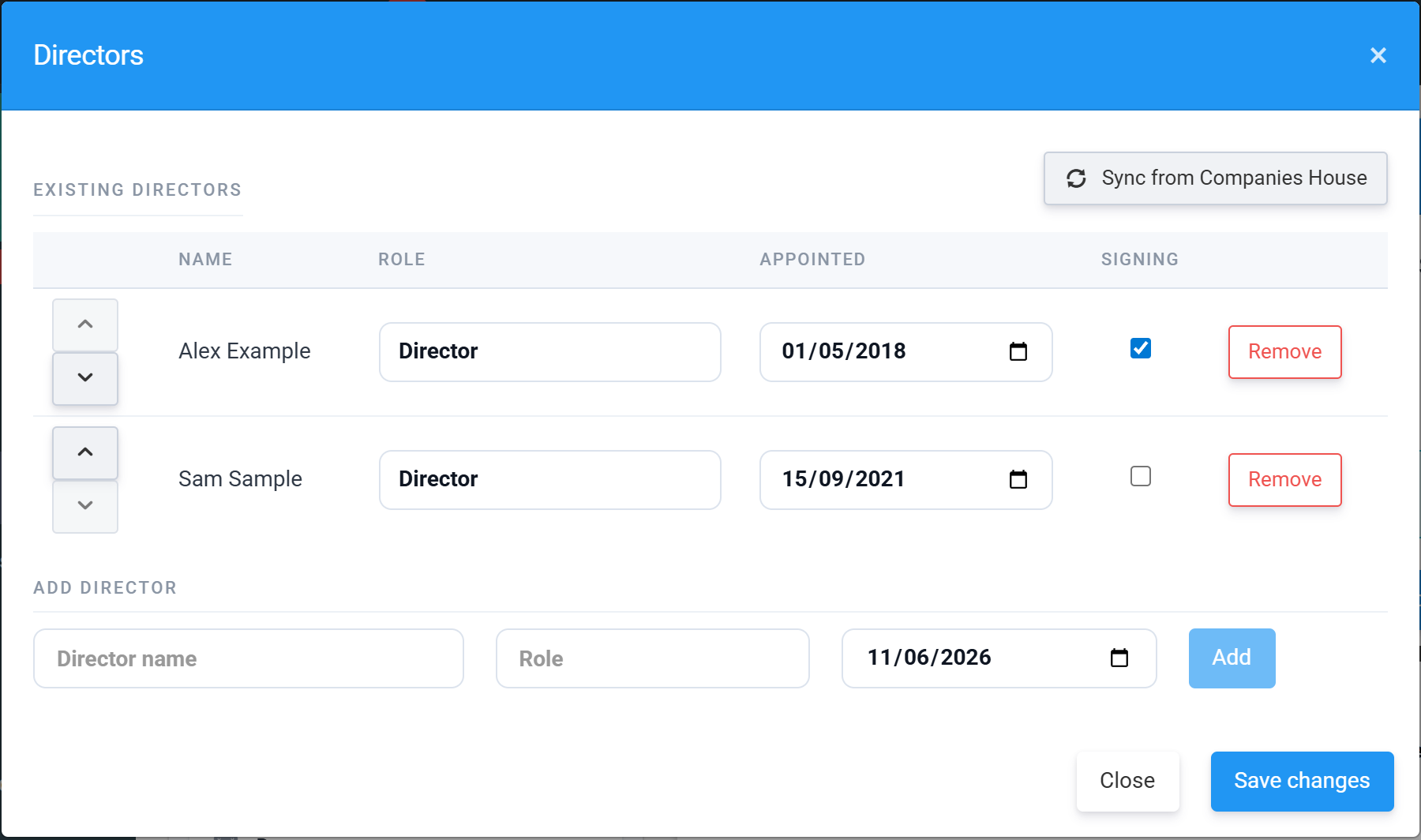
Each row holds the director’s Role and Appointed date, and the arrows on the left set the order they appear in the report. Remove strikes a director through rather than deleting immediately — you can Restore them any time before saving. Use the Add Director row at the bottom for officers the sync doesn’t know about.
Sync from Companies House
Sync from Companies House pulls the company’s current officers from the public register, using the company number on your organisation record, and refreshes the list for this period. It saves typing names and appointment dates by hand — but check the result: the register reflects what has been filed, which is not always what you want printed (for example a director appointed after the year end). You can edit any row after syncing.
Who signs the balance sheet
The Signing checkbox designates the director who approves the accounts on behalf of the board. Together with the Director Signage Date (set in the Dates window), it drives the approval statement at the foot of the statement of financial position:
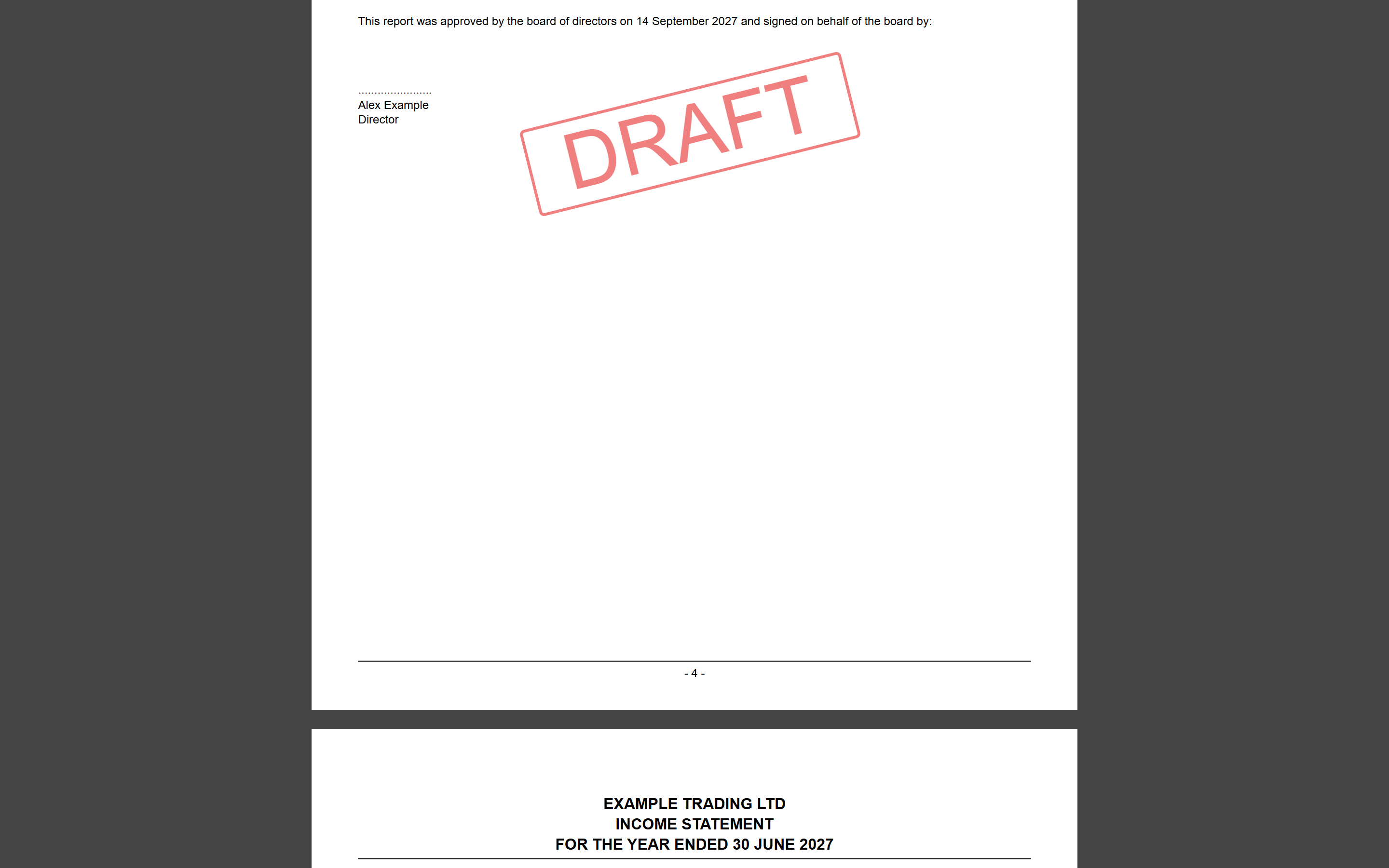
This signature block is part of the iXBRL document itself. The physically signed copy of the accounts is a separate thing — you upload that for safe keeping and it is never transmitted anywhere (see Validation, signing and signed accounts).
Next: the notes to the accounts — see Notes for micro-entity (FRS 105) accounts.