
Four small windows in the Actions list hold the descriptive details that appear throughout the document. They take a few minutes and are worth doing first — several later steps (and some validation checks) depend on them.
Company Information
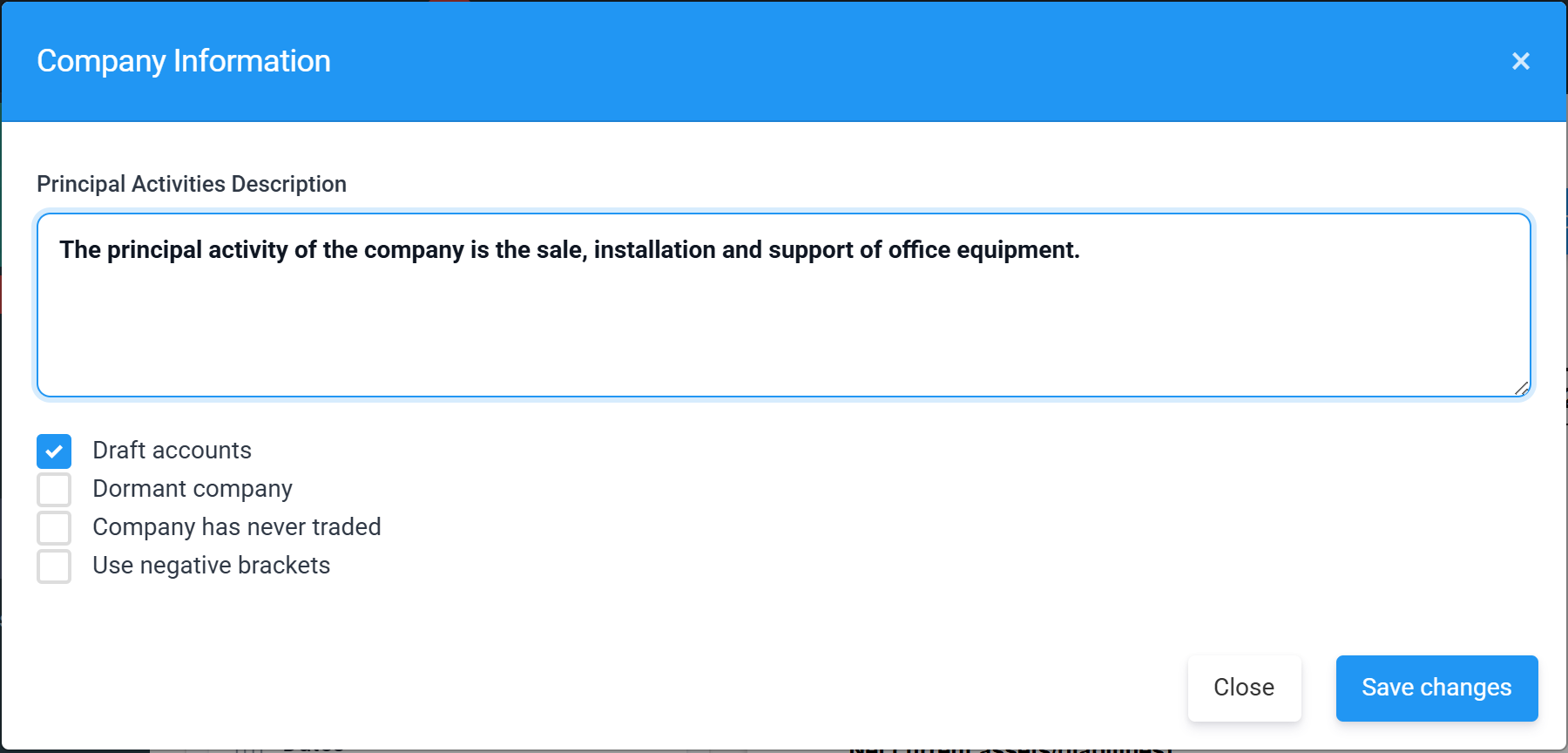
- Principal Activities Description — one sentence describing what the company does. It appears in the directors’ report and at the foot of the balance sheet.
- Draft accounts — while ticked, every page carries the red DRAFT watermark. The Companies House wizard asks you to take the period out of draft before sending.
- Dormant company / Company has never traded — switch the accounts to the dormant wording, including the section 480 audit-exemption statement.
- Use negative brackets — show negatives as (1,234) instead of -1,234 throughout.
Dates
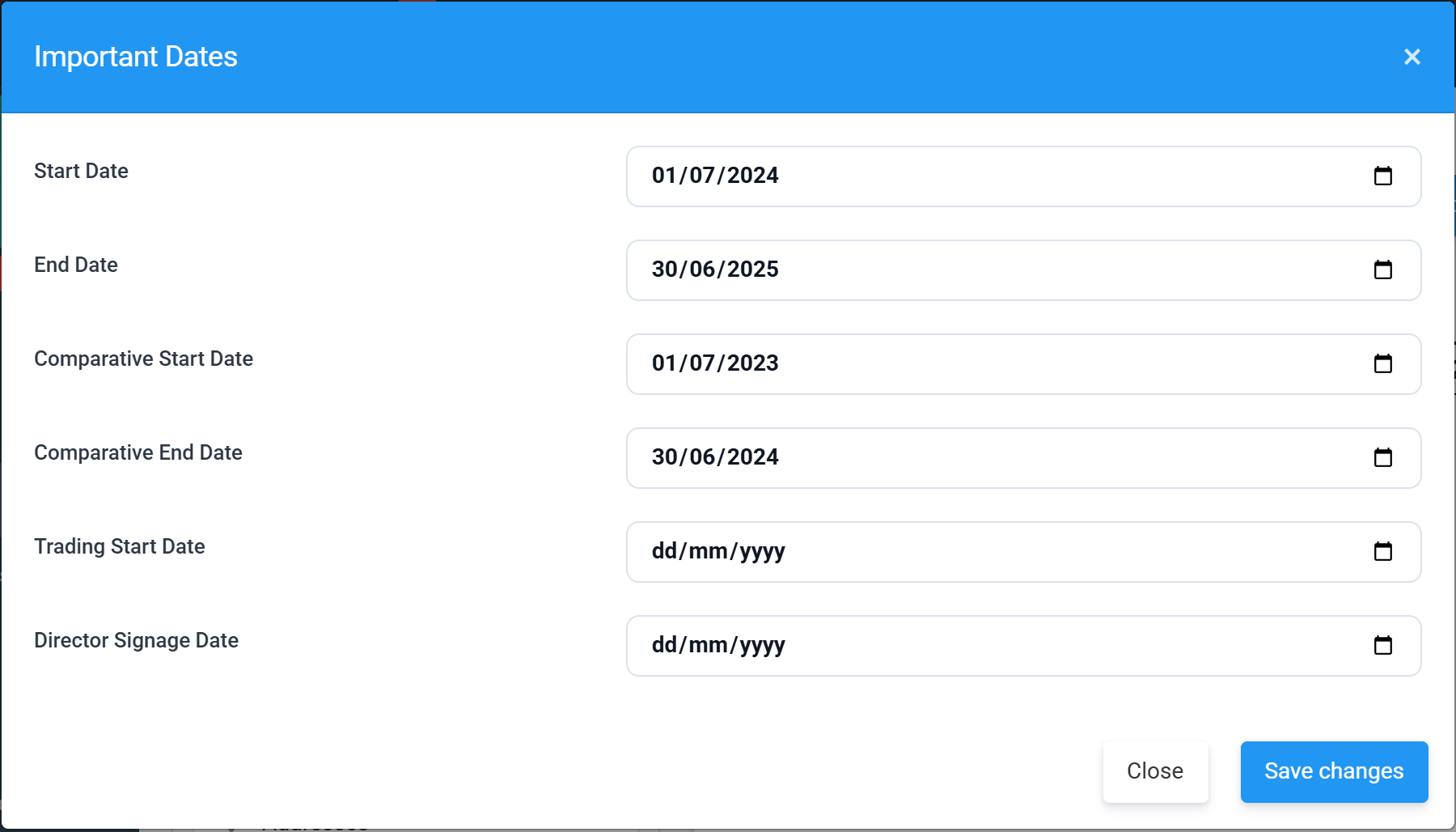
Start and End Date are the period itself; the Comparative dates define the prior-year column. The Director Signage Date is when the directors approved the accounts — it prints in the balance-sheet approval statement and is required by the Companies House wizard. Firms acting for clients also see Engagement Letter and Accountants’ Report dates here.
Pages
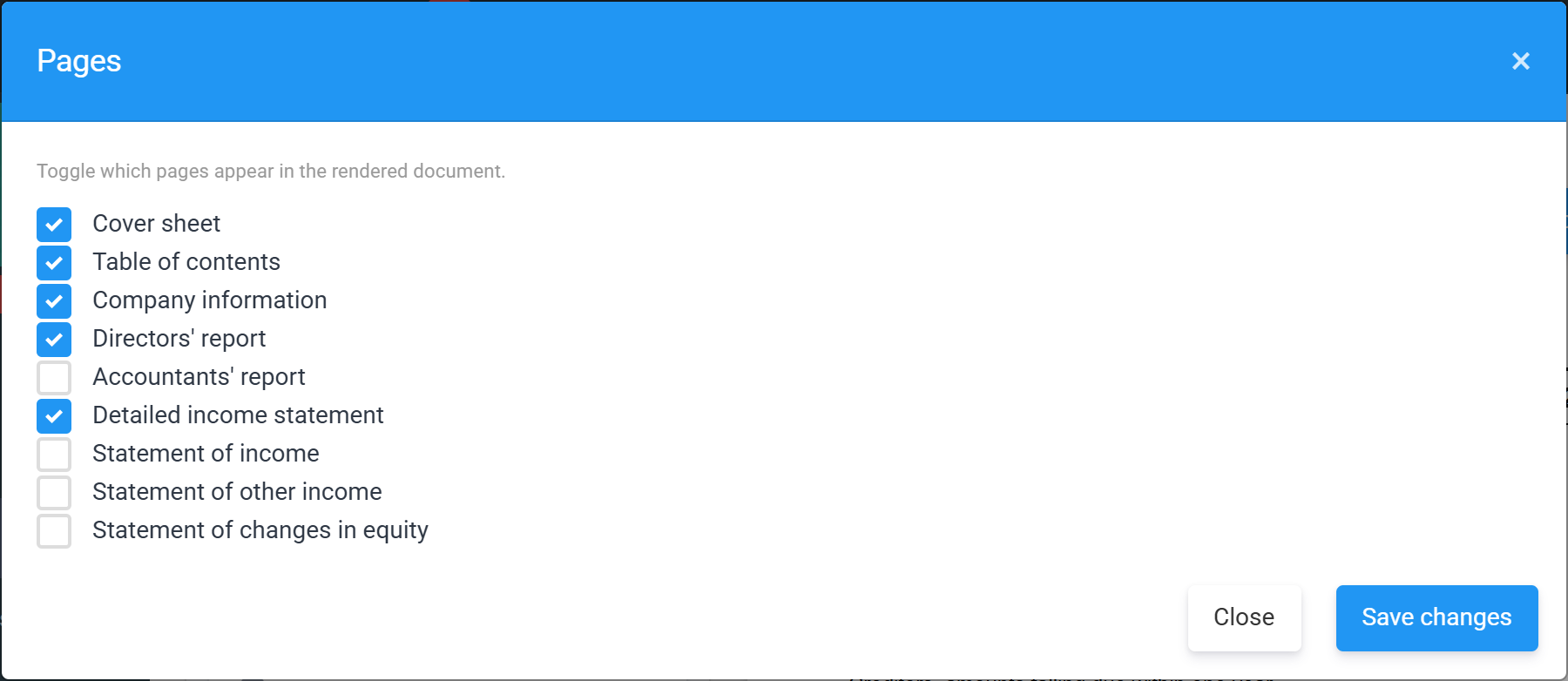
Tick the pages you want in the rendered document — cover sheet, table of contents, company information, directors’ report, accountants’ report, the detailed income statement and the optional statements (income, other income, changes in equity). The detailed income statement only ever appears in the full accounts, whatever you tick.
Addresses
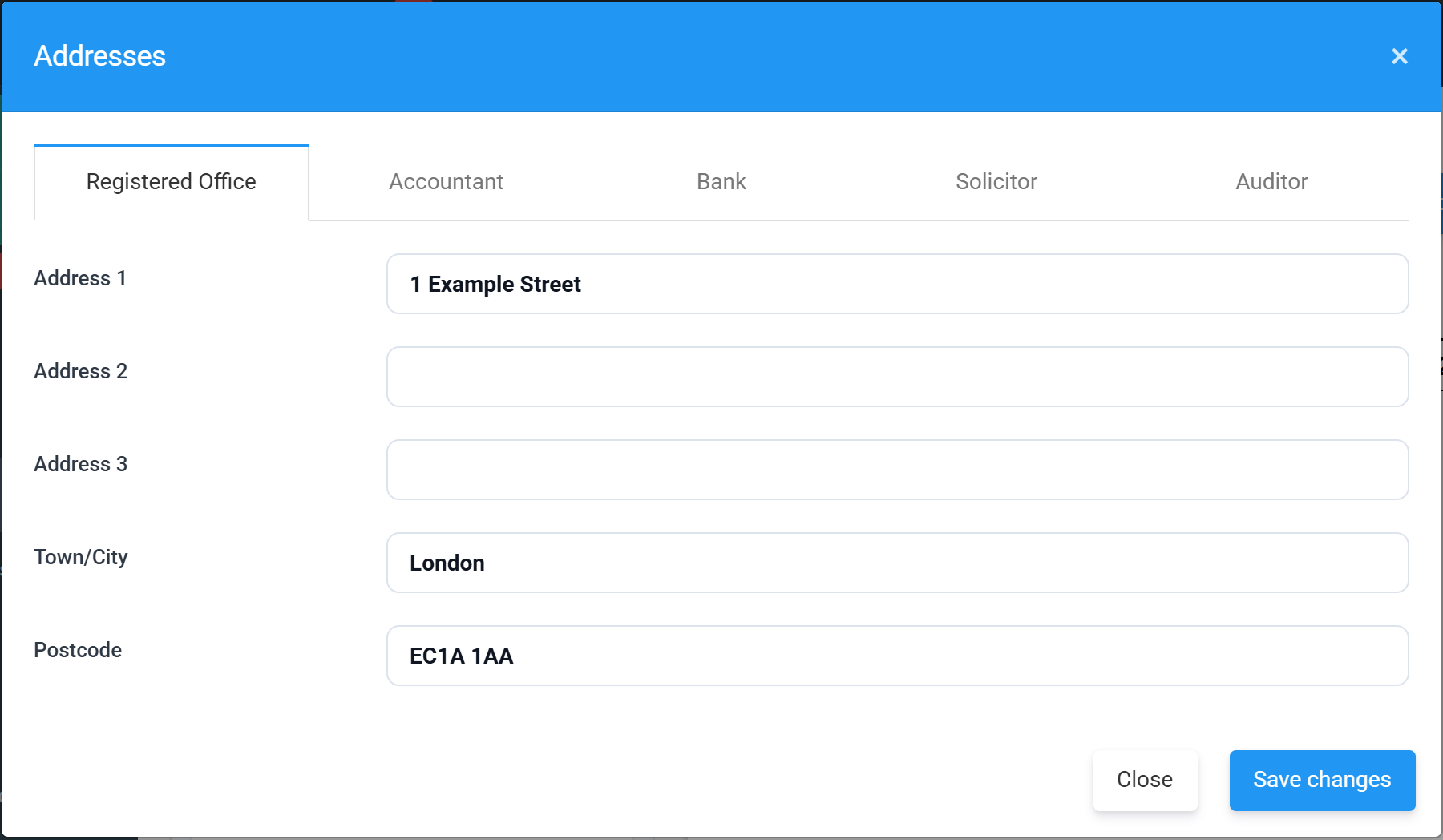
The Registered Office prints on the company information page and in the balance-sheet footer, and is pre-filled from your organisation record. The Accountant, Bank, Solicitor and Auditor tabs fill the advisers section of the company information page — leave any of them blank and that row simply doesn’t print.
Next: the people behind the accounts — see Directors and signing.