
Micro-entity accounts keep disclosure to a legal minimum, so the Notes window for an FRS 105 period offers a short, focused list. Open it from the Actions list: sections on the left, the editor for the selected note on the right, and a search box to jump straight to a section. Every note has a Show this note in the accounts switch — a note only prints when it is turned on (the employee note is on by default because it is required).
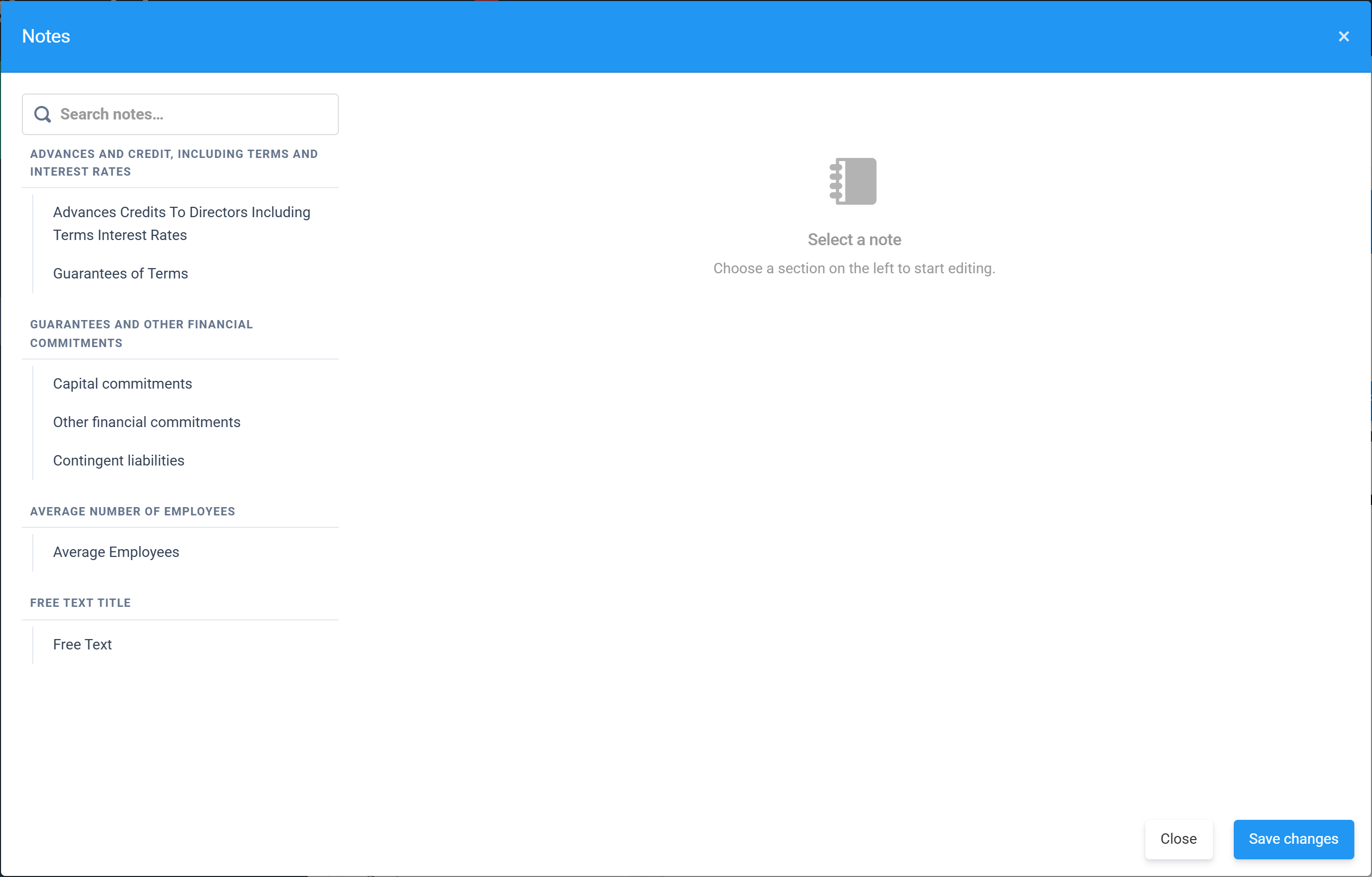
The FRS 105 note set
- Advances and credit, including terms and interest rates — the Companies Act disclosure of money the company has advanced to its directors: the amount, terms and interest, plus any guarantees of terms given.
- Guarantees and other financial commitments — capital commitments, other financial commitments and contingent liabilities that aren’t on the balance sheet.
- Average Number of Employees — required on every set of accounts (more below).
- Free Text — anything else you want to disclose, with your own title.
The employee count — required, but 0 is allowed
Companies House requires every set of statutory accounts to state the average number of employees during the year. It is an average across the whole year of everyone employed by the company — not the headcount on the last day — and it can legitimately be 0, for example a company whose only director has no employment contract.
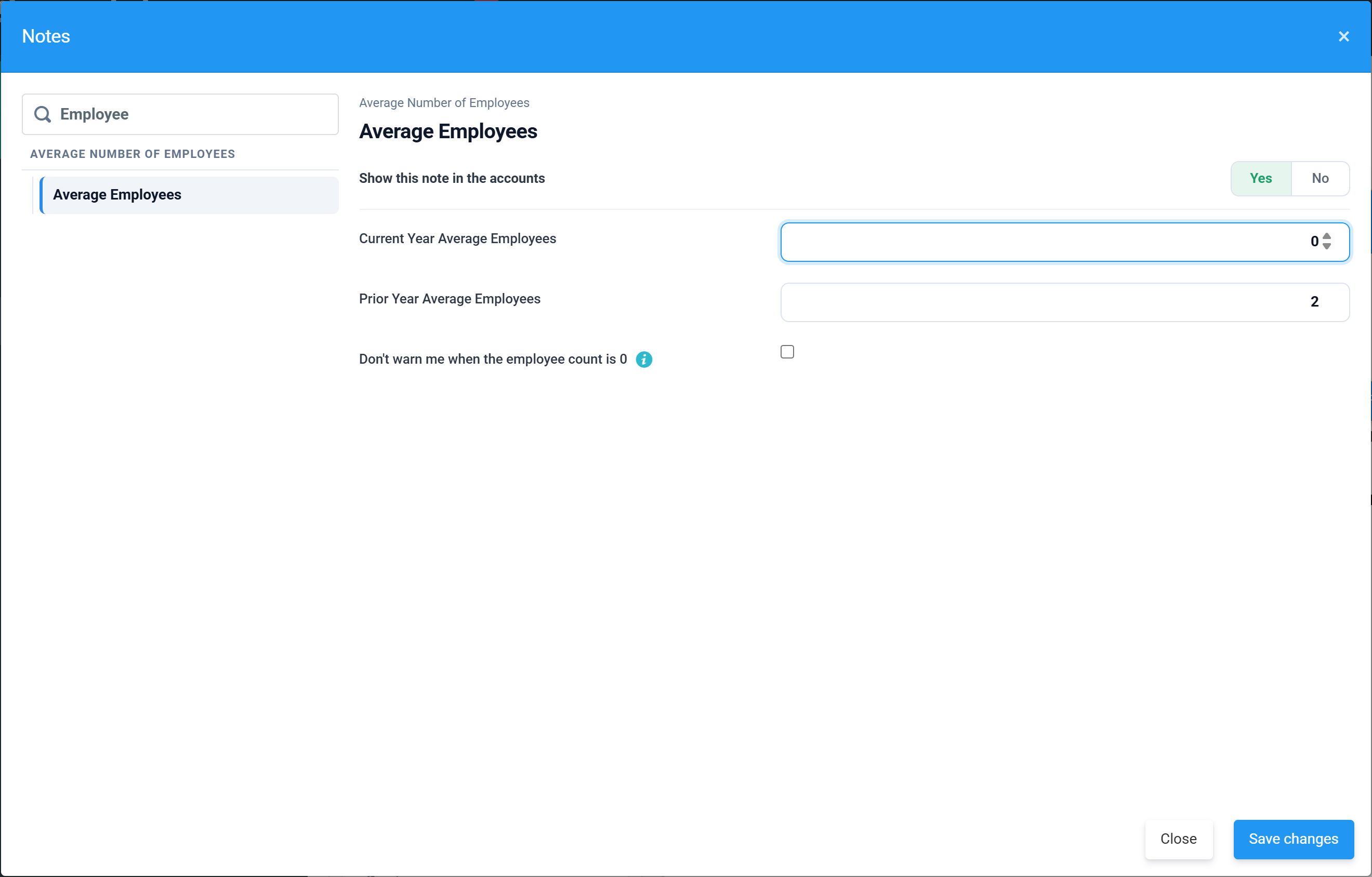
Because a zero is more often a missed field than a real answer, Tax Optimiser raises a warning while the count is 0:
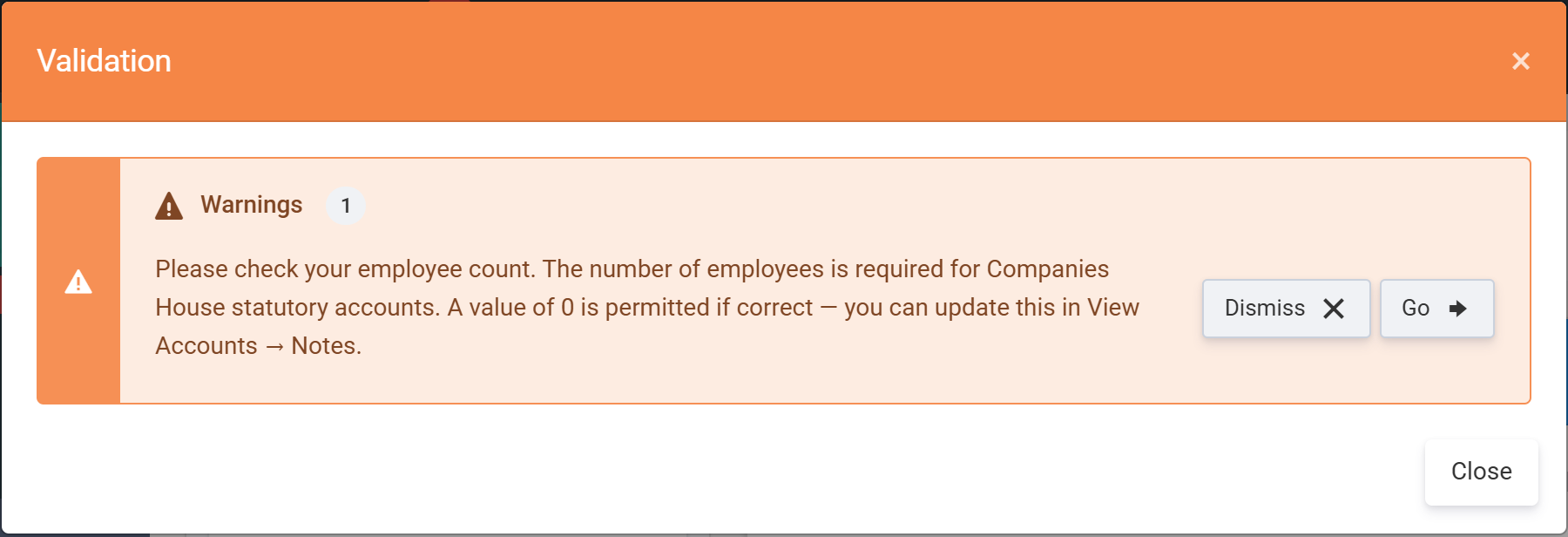
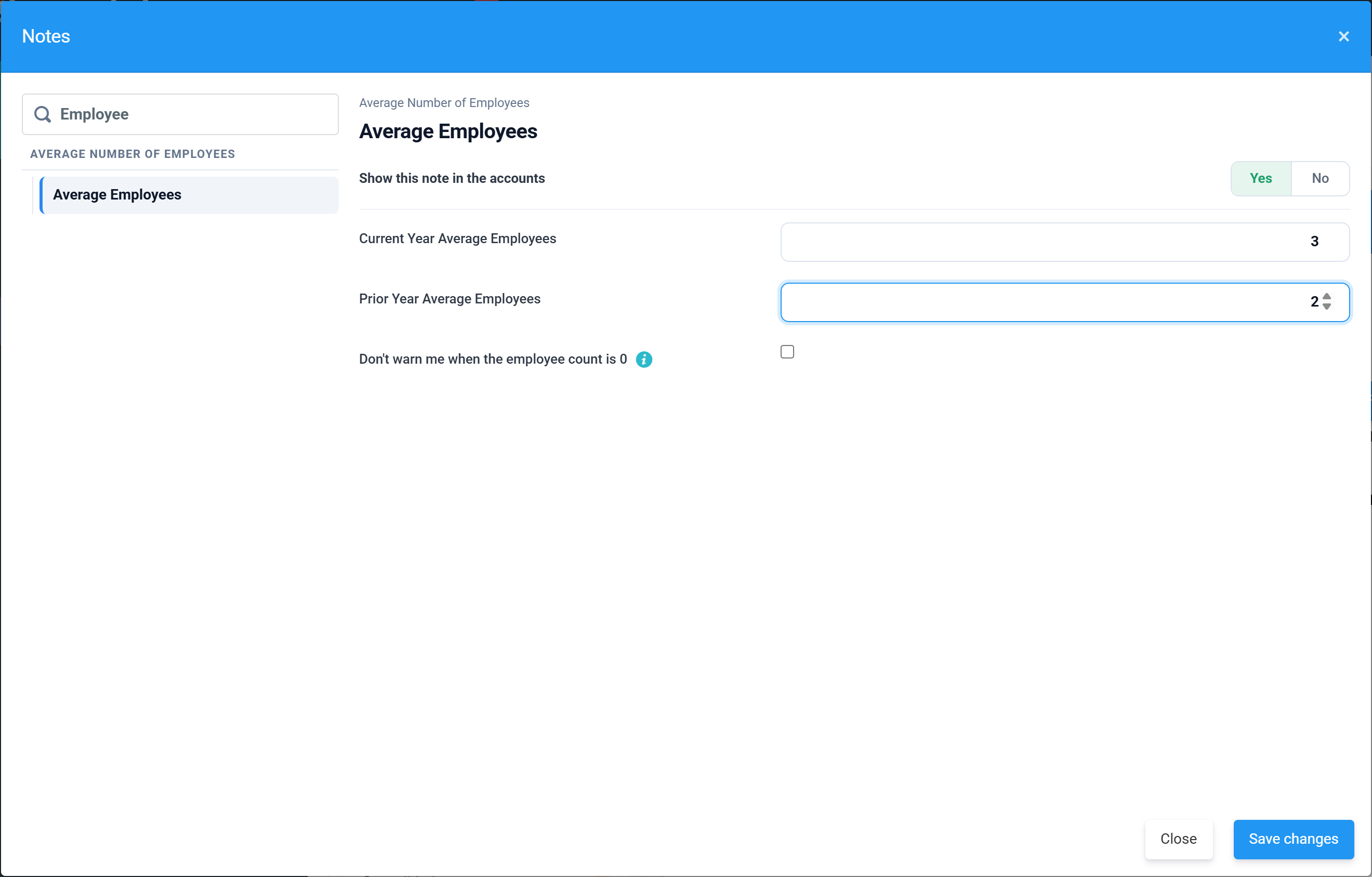
Enter the current and prior-year averages and the warning clears on its own. If 0 genuinely is correct, tick Don’t warn me when the employee count is 0 instead and the warning stays away for this period.
Note templates
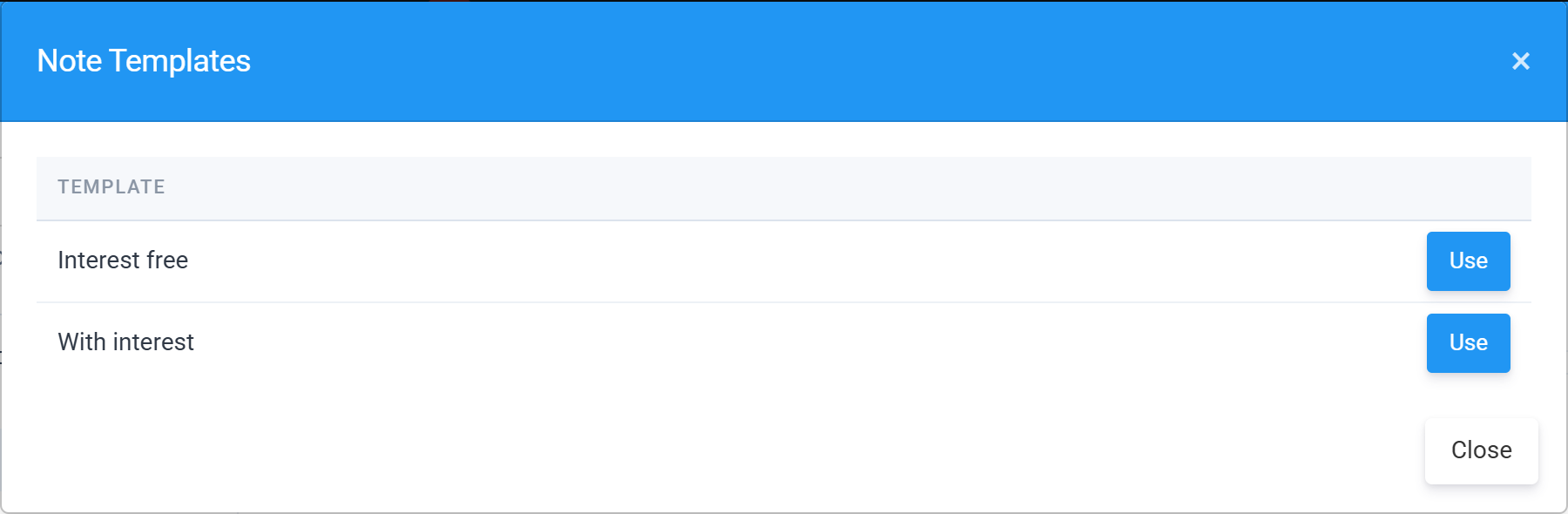
Notes that have standard wording offer a Use Template button. Pick a template and its text drops into the note — if the wording has blanks (an amount, a name, a date), Tax Optimiser prompts you to fill them in as it applies the template.
Running small-company accounts instead? The note list grows considerably — see Notes and policies for small-company (FRS 102 1A) accounts.