
A few settings on each business decide how its figures are reported. They are shown on the business detail page, each with a Change button.
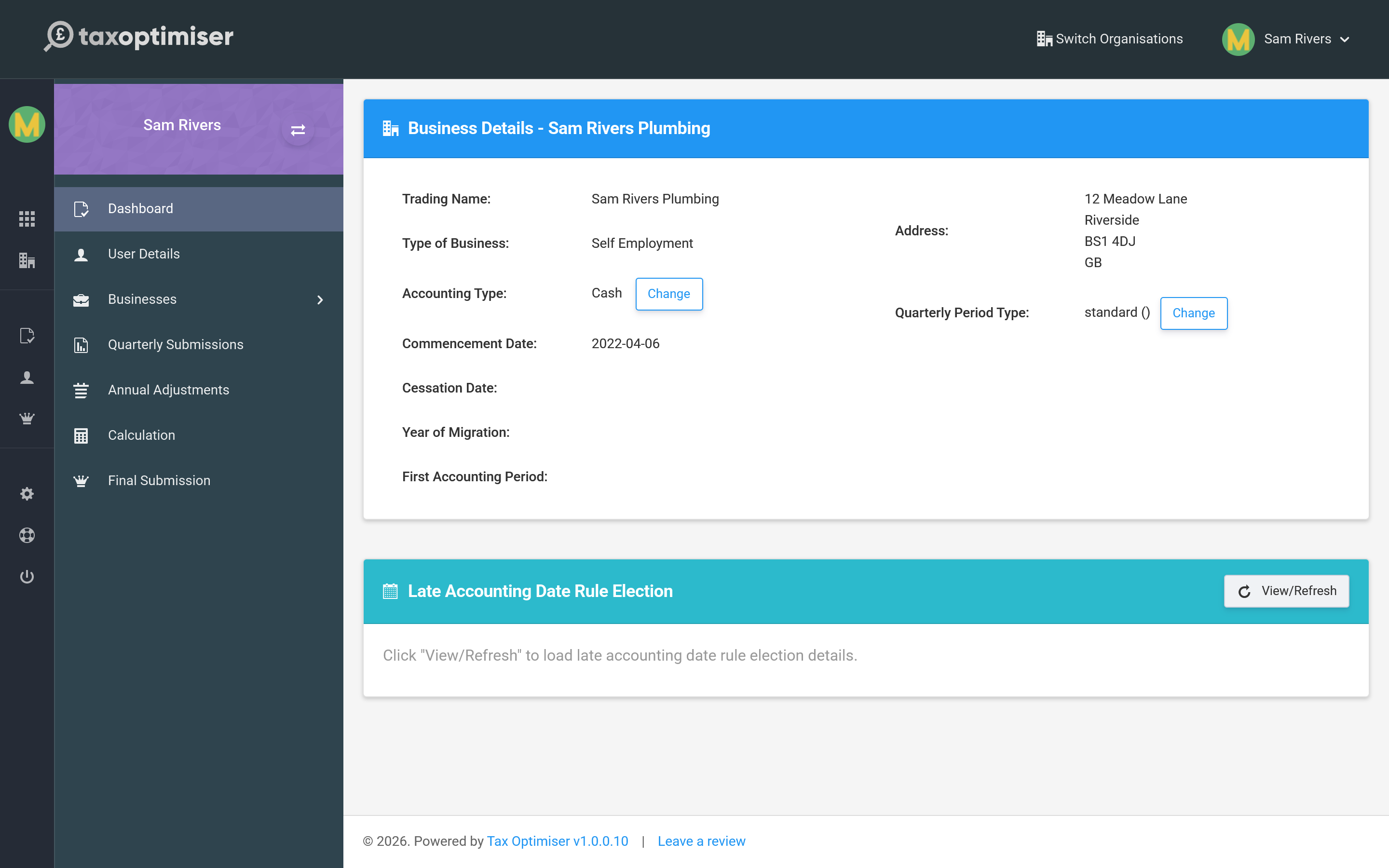
Accounting type
This is how you add your income and expenses up:
- Cash basis — you count money when it actually comes in or goes out. Simpler, and the default for most sole traders and landlords.
- Accruals (traditional) basis — you count income and costs when they are earned or incurred, regardless of when the money moves.
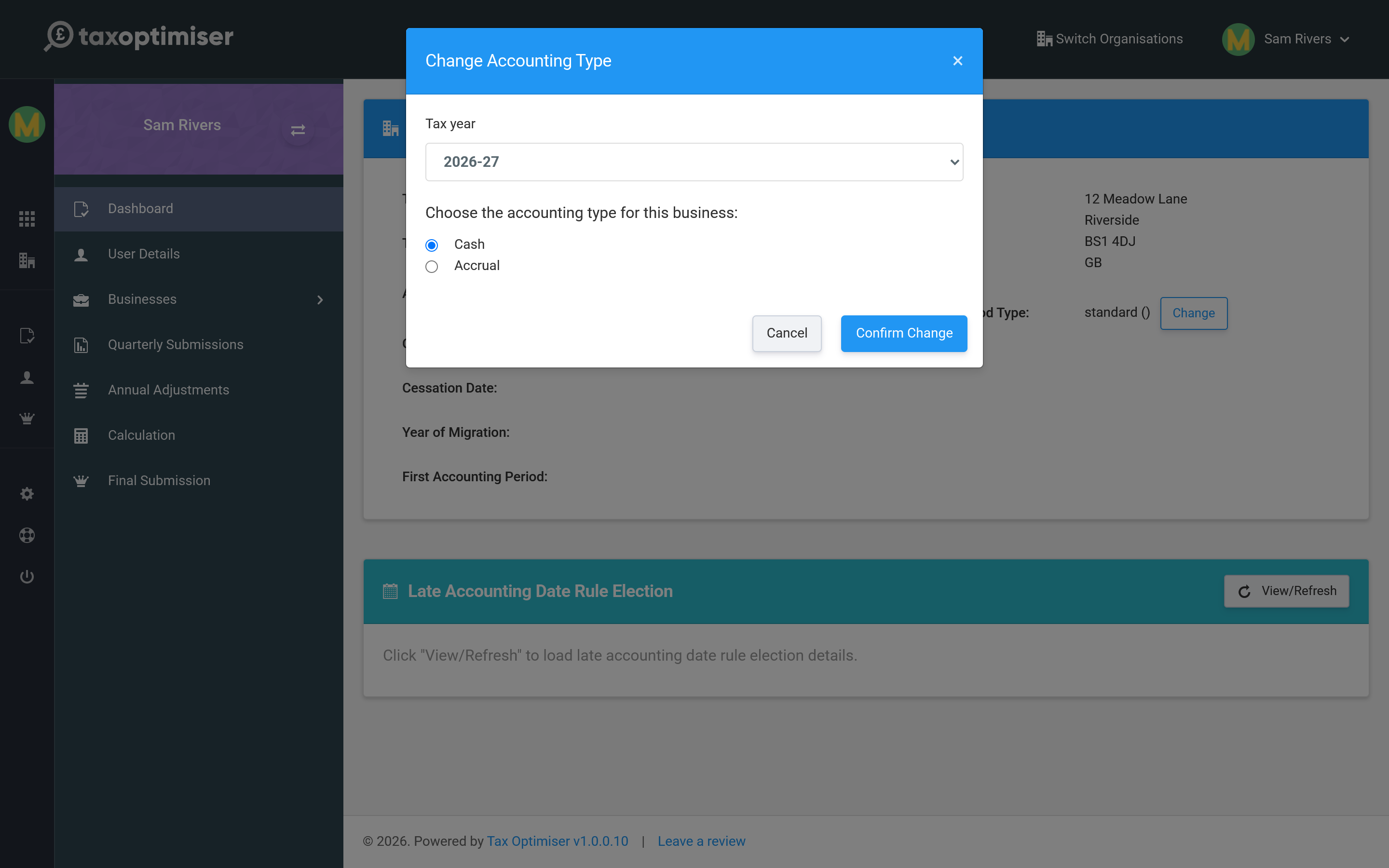
Choose the basis that matches how you report to HMRC, then Confirm Change.
Quarterly period type
This sets the dates your four quarterly updates run to:
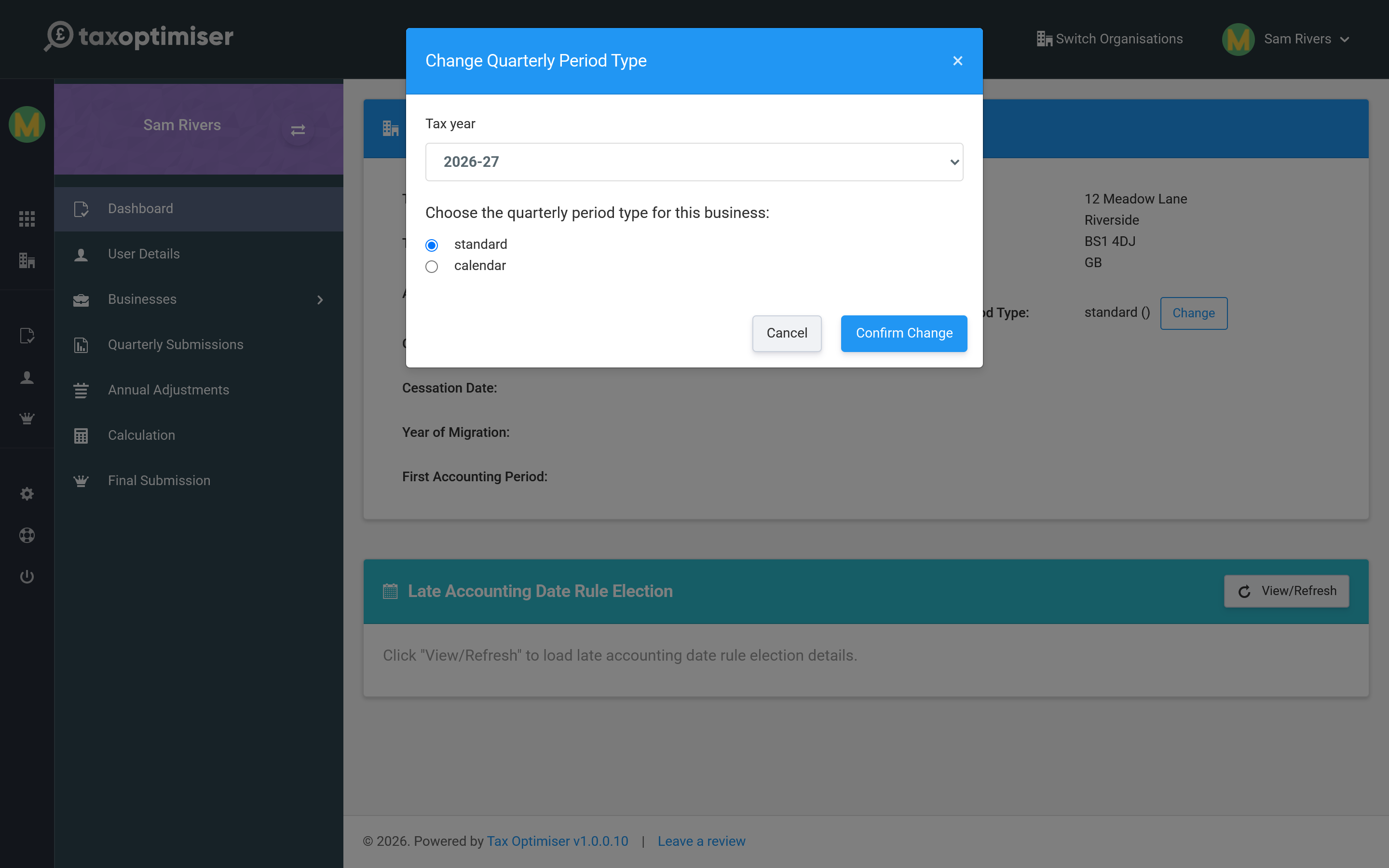
- Standard — quarters aligned to the tax year (6 April–5 July, and so on). The default.
- Calendar — quarters aligned to calendar month-ends (to 30 June, 30 September, and so on), which is often easier to reconcile against bookkeeping.
Expense reporting: full or consolidated
Each business also chooses how its expenses go to HMRC in the quarterly updates:
- Full — expenses itemised by category (admin costs, travel, cost of goods and so on), each with an allowable and a disallowable amount. The default.
- Consolidated — one single total of all allowable expenses for the period, with no category breakdown. Simpler bookkeeping for smaller businesses.
Consolidated expenses can only be used while the business earns less than £90,000 a year (annual turnover, or annual property income for a property business). Above that, HMRC rejects the update and you must report full itemised expenses.
The choice is made in the quarterly obligation’s Settings dialog — the same place you map your spreadsheet cells (see Keeping digital records) — and the current choice is shown on the business detail page. It also decides which example spreadsheet the quarterly upload offers you.
Other details
- Commencement date — when the business started, as held by HMRC.
- Late Accounting Date Rule Election — a specialist election for businesses whose accounting date sits late in the tax year; the card lets you view, apply or withdraw it. Most businesses never need it.
Next: Keeping digital records.